Hospitals & Clinics
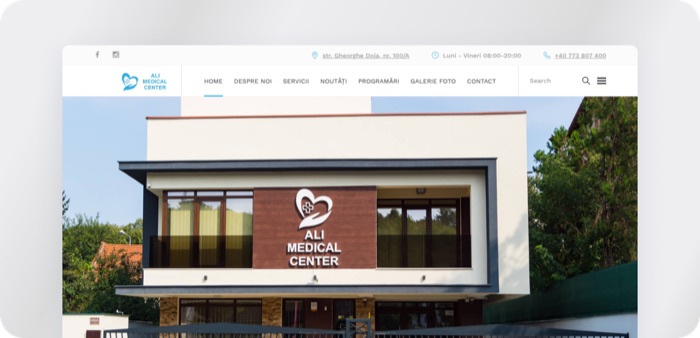
Ali Medical Center
A web app and local smart booking system that lets Ali Medical Center manage staff, rooms, and patient appointments across 24 specialties without the phone overhead.


RubixLink keeps field crews and office teams on one platform for utility and infrastructure work, with live work maps, locate ticket visibility, and daily reporting.


Utility and infrastructure work happens in two places that rarely see each other clearly. Crews are in the field running locate tickets, hitting blockers, and logging progress, while project managers sit in the office trying to read status from texts, spreadsheets, and end-of-day phone calls. When the picture is out of date, work stalls. Teams dig before a locate clears, blockers sit unflagged for hours, and material counts drift away from what is actually on site.
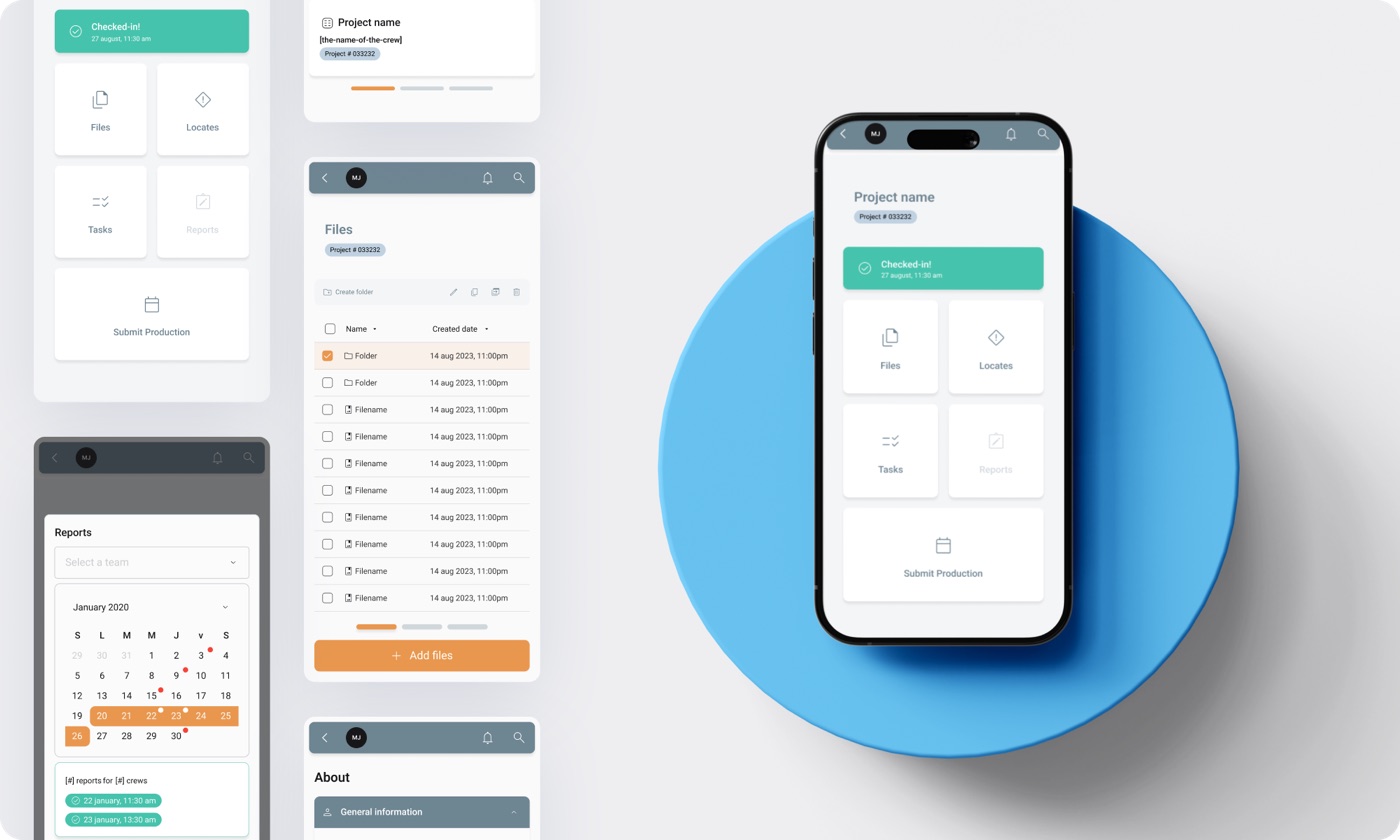
RubixLink's client needed one place where field and office could see the same thing at the same time:
Life Value built RubixLink, an all-in-one operations and construction management platform that puts field and office teams on the same screen. The product centers on a live map of the work, with reporting and coordination tools built around it.
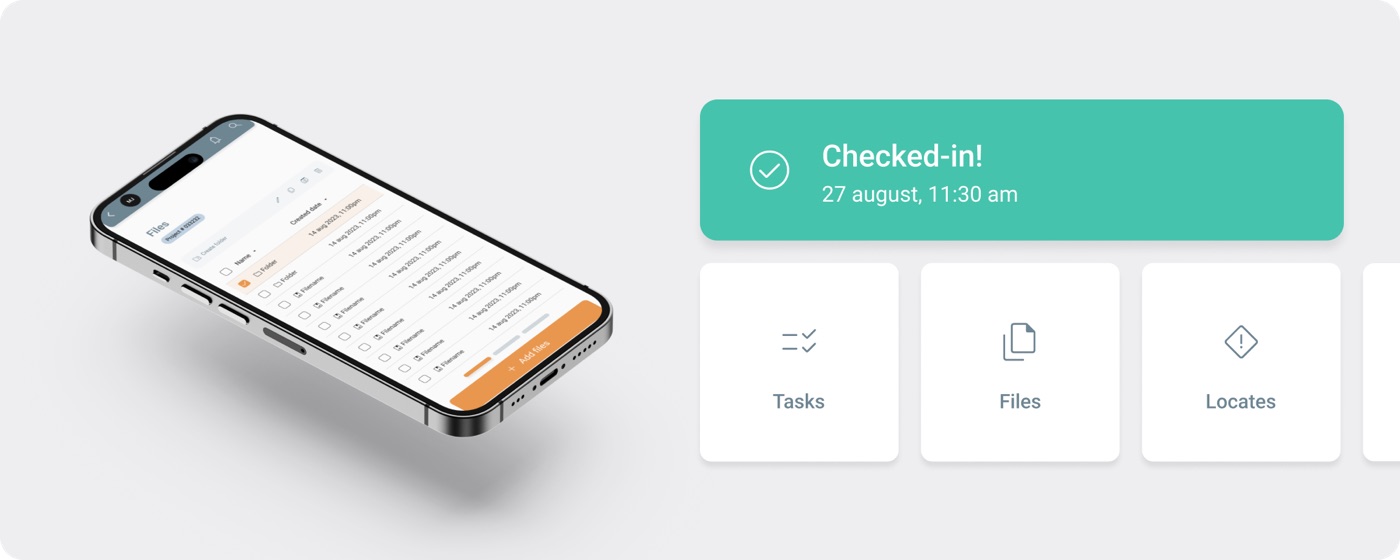
The platform is built around a few core capabilities:
RubixLink runs on a service-based backend in TypeScript and Node, with Fastify and LoopBack services talking over RabbitMQ for messaging between the map, reporting, and coordination systems. The mobile apps are built in React Native for iOS and Android, with a React web client for office teams. Google Maps powers the live work map and locate plotting. MongoDB and MariaDB hold project and reporting data, the whole stack runs in Docker behind Traefik, and releases ship through Bitbucket CI/CD with Fastlane handling the mobile builds.
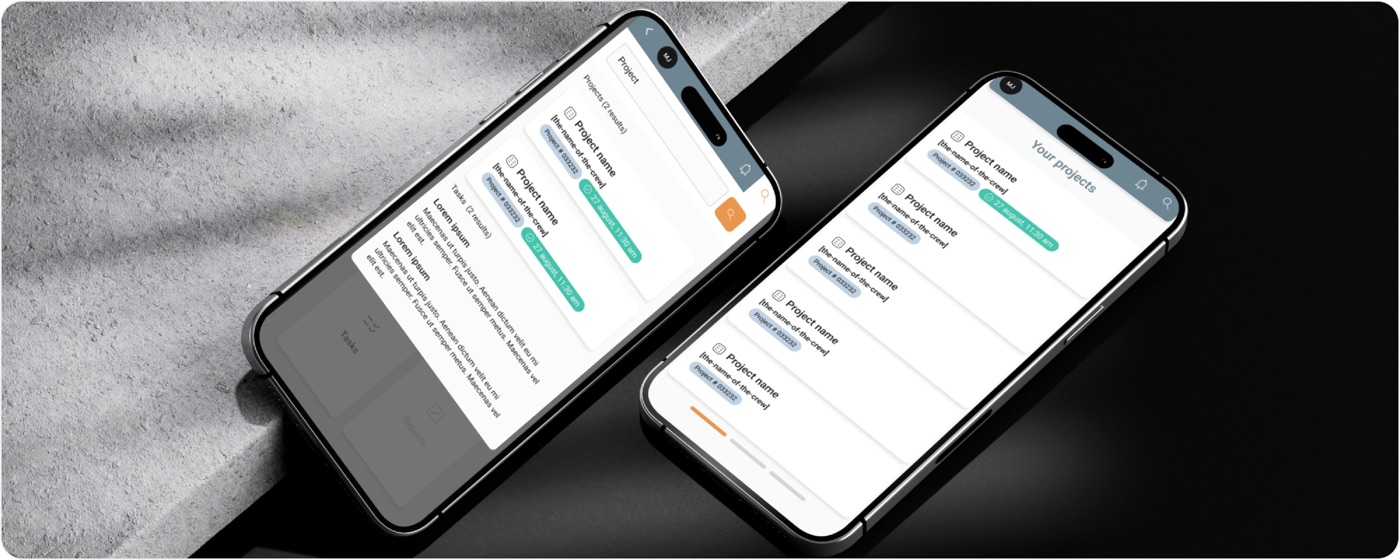
The result is a platform where the field and the office work from one record. Crews check in, log progress, and flag incidents from their phones, and managers see it land on the map and the dashboard right away. Locate statuses sit next to the work they affect, so a crew knows what is cleared before they break ground. Daily reports build up over the life of a job instead of being stitched together at the end, and material counts stay close to what is on site.
A crew lead opens the app at the start of the day, picks the project, and checks in with a location. Their assignment shows on the live map alongside the locate tickets for that area, color-coded by status. As work moves, they log hours, attach photos and files, and record any safety incident in a few taps. In the office, a project manager watching the same map sees check-ins appear, locate responses update, and blockers surface as they happen, across every active project at once.
Does RubixLink work on both iOS and Android?
Yes. The crew apps are built mobile-first for both iOS and Android, and office teams can use the web client.
How does it handle 811 locate tickets?
Locate ticket statuses and utility responses are shown on the live work map next to the crew assignments they affect, so teams can see what is cleared and what is still pending in context.
Can managers track more than one project at a time?
Yes. Project dashboards and the live map cover multiple active projects, so managers can spot blockers and track material inventory across the whole portfolio.
Is the platform built to grow?
RubixLink runs on a service-based architecture, which lets the map, reporting, and coordination systems scale and ship updates independently.
RubixLink gives utility and infrastructure teams one shared view of the work. By putting live maps, locate visibility, daily reporting, and material tracking on the same platform, Life Value built a tool that keeps field crews and office managers aligned on what is happening right now. It is a strong example of how Life Value builds practical, service-based software for demanding, real-world operations.
















See how forward-thinking hospitals, clinics, and startups are solving critical challenges with LifeValue — from speeding up delivery to enhancing compliance and unlocking new opportunities across care and operations.